



















Table of Contents
- • Movavi Review Summary
- • About Movavi
- • Other opinions about Movavi
- • Movavi Overview
- • Movavi Review
- • Movavi Video Editor Plus Review
- • Movavi Video Suite 2026 Review
- • Movavi Unlimited 2026 Review
- • Movavi Software Pros & Cons
- • What Users Say About Movavi Software
- • Movavi Software Warranty Terms
- • Movavi Refund and Return Policy
- • How Movavi Software Delivery Works
- • How to Reach Movavi Support
- • Where to buy Movavi?
- • Conclusion of Movavi reviews & ratings
Movavi Review Summary
Movavi is a multimedia software suite primarily focused on video editing, conversion, and screen recording, designed to simplify content creation for a broad user base. Positioned as an accessible yet capable solution within the software landscape, Movavi generally offers a solid balance of features that may suit beginners and casual content creators, though it tends to lack the depth sought by professional editors. Its performance is characterized by ease of use and efficient rendering, albeit with certain trade-offs in advanced functionality and licensing clarity.
Highlights
- Best suited for beginners, vloggers, and casual creators seeking intuitive tools with minimal learning curve and practical editing capabilities.
- Offers a comprehensive suite including a video editor, converter, and screen recorder with AI enhancements, supporting a wide range of formats and effects.
- While generally user-friendly, it involves trade-offs such as limited advanced trimming modes and occasional customer service and licensing concerns.
- Rating: 7.8/10 reflecting a reliable mid-range editor that balances usability and feature set, with noticeable limitations for professional workflows.
Within the competitive video editing software market, Movavi represents a middle ground solution that combines simplicity with enough features to support many everyday tasks. Alternatives with deeper professional tools or different pricing models are available for users with specialized needs. The insights drawn in this Movavi review point to a product that effectively serves its target audience but requires consideration of its subscription nuances and feature boundaries for long-term use.
About Movavi
Editing videos quickly and effectively can be challenging, especially for beginners. Many simple tools lack essential features, while professional software is often complicated. Users need a balanced solution that works without overwhelming them.
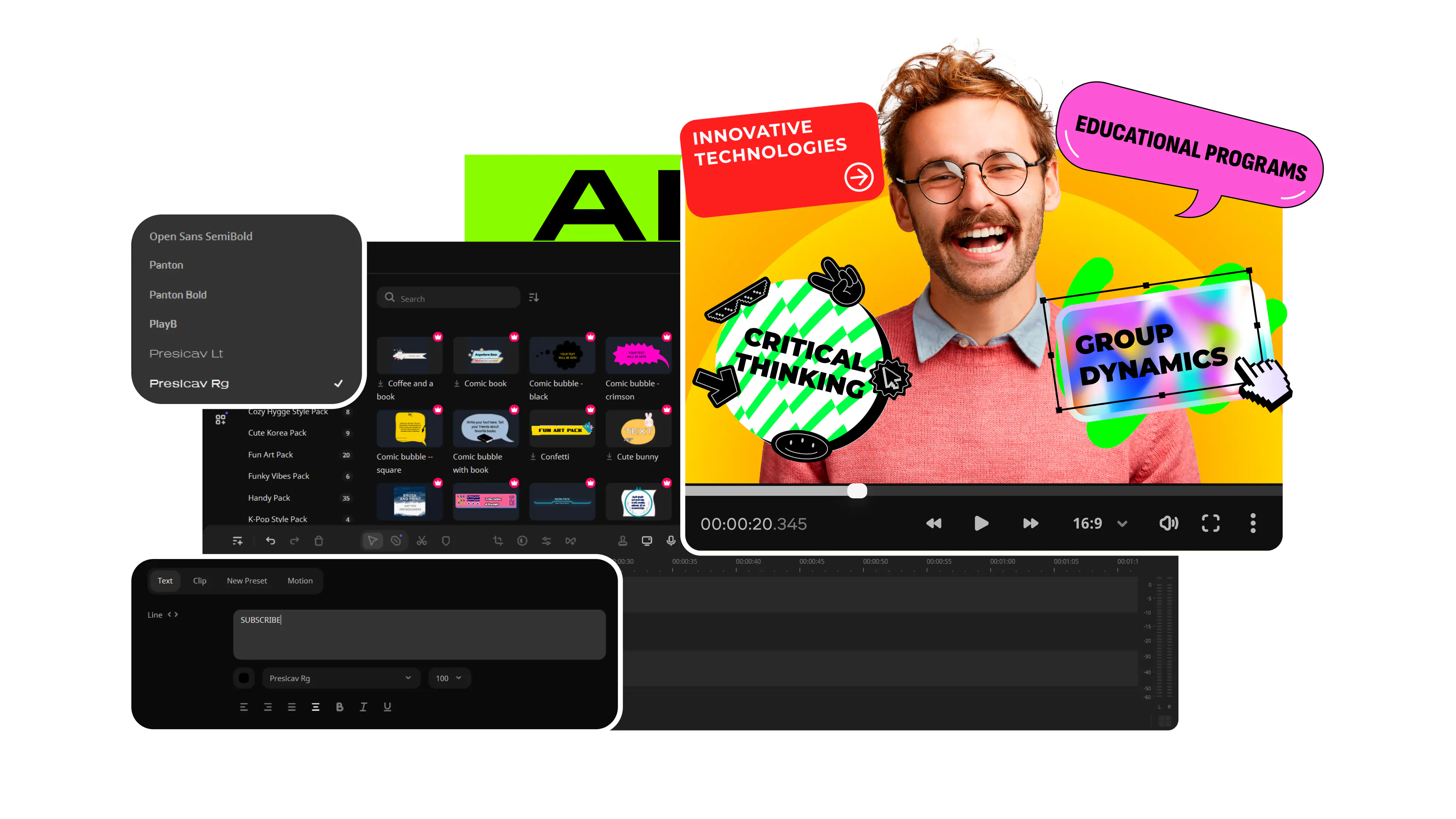
Movavi is a multimedia software suite focused on accessible video editing, conversion, and screen recording. Positioned in the mid-range category, it offers practical tools for content creators who want robust features without complexity. Its interface is designed to lower the learning curve for new users.
With over 70 million users and ratings averaging around 3.8 on major platforms, Movavi has a significant footprint. It receives steady updates and has gained recognition for its ease of use among casual creators. These measurable indicators underline its relevance in a crowded market.
Looking into Movavi details? This Movavi review considers both strengths and limitations. It examines usability, feature depth, and value for typical users. Balanced insights in this review help you decide if Movavi fits your editing needs.
Other opinions about Movavi
Opinions and insights gathered from trusted review articles and authoritative websites covering Movavi.
Movavi Overview
Movavi is a software company specializing in multimedia applications such as video editing, screen recording, and media conversion. Founded in 2004 by a small team of enthusiasts, the company has evolved into an international business with a headquarters in Saint Louis, Missouri. Its offerings cater primarily to both beginner and intermediate users looking for intuitive content creation tools.
The company originated with a vision to simplify digital media processing, making powerful tools accessible without steep learning curves. Over the years, Movavi expanded its software suite to include multiple standalone applications and bundled solutions, regularly updating and refining its products. The brand's mission emphasizes enabling seamless multimedia editing and sharing experiences for a global audience.
Currently, Movavi operates across more than 150 countries with a user base exceeding 70 million worldwide. Their product lineup includes video editors, converters, and screen recorders designed for Windows and macOS platforms. Movavi maintains a focus on user-friendly interfaces and automatic tools, supporting various multimedia formats and fostering creativity through extensive effect libraries and AI-enhanced features. The Movavi Review space often highlights its balance between simplicity and functionality as a core attribute of the brand.
Movavi Review
Movavi develops multimedia software tools focused on video editing, conversion, screen recording, and photo editing. Its applications are designed for a wide range of users, from beginners to casual creators, delivering accessible and straightforward content creation solutions.
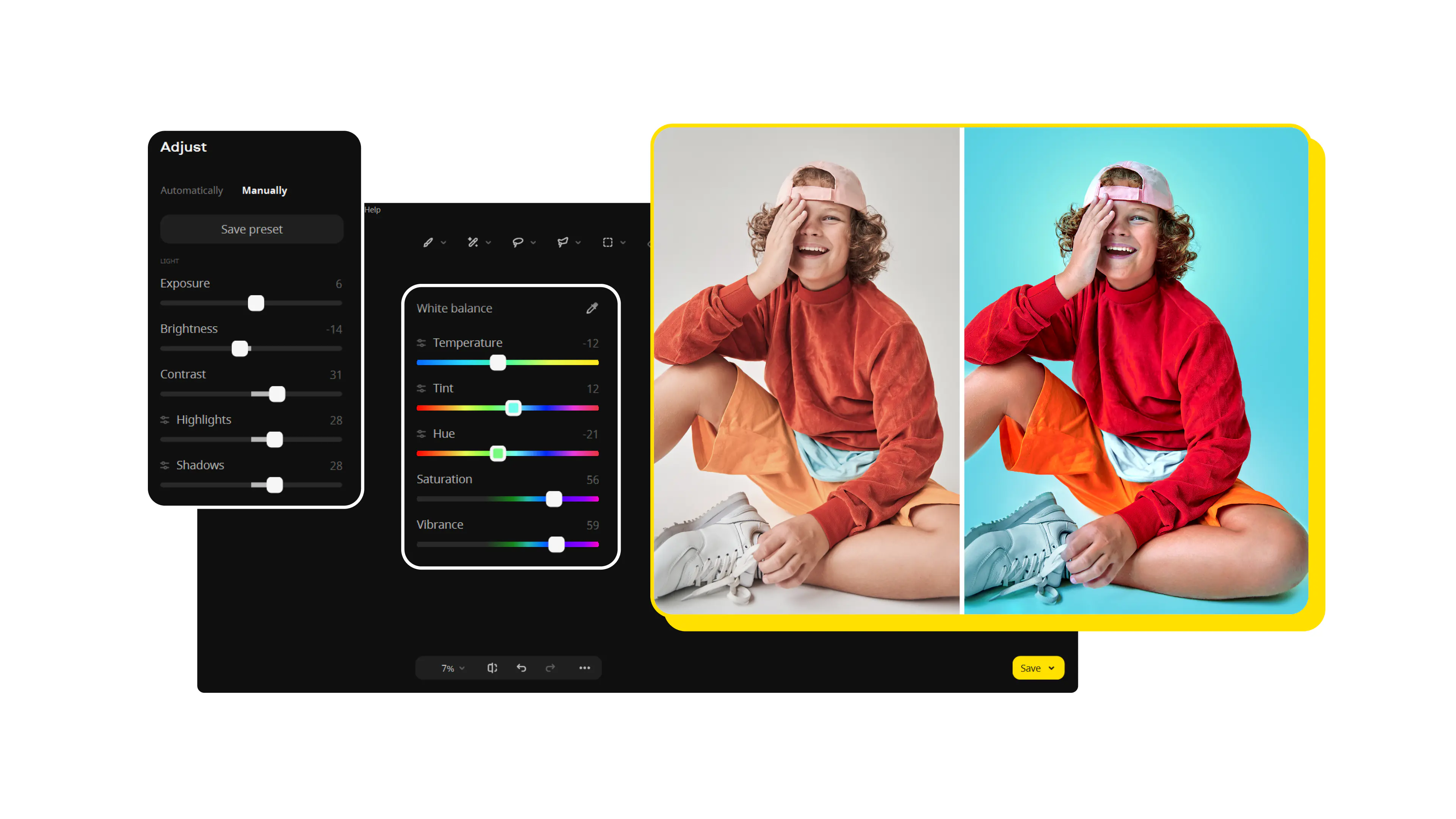
The software includes both standalone products and bundled packages available for Windows and macOS. Movavi is known for its user-friendly interfaces paired with practical AI-powered features such as automatic subtitles, motion tracking, and background removal.
Frequent updates and an extensive library of effects help users stay current with editing trends and capabilities.
Movavi Key features
- Intuitive video editor with AI tools
- Screen capture and recording
- Video converter supporting over 180 formats
- Photo editor with AI background removal
Movavi Video Editor Plus Review
Movavi Video Editor Plus provides an accessible video editing experience geared toward quick content creation and social media projects. It combines user-friendly design with features such as motion tracking, chroma key, and AI-powered background removal for enhanced editing flexibility.
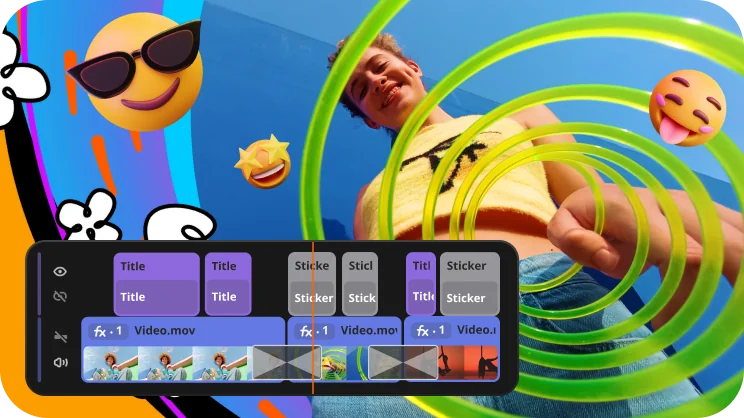
The software supports unlimited video tracks, includes transitions with sound, and works on both Windows and macOS. It handles 4K content, offers various export formats, and integrates with platforms like TikTok and YouTube.
Price $99.95 • movavi.com
Movavi Video Suite 2026 Review
Movavi Video Suite 2026 combines a video editor, fast converter, and screen recorder to handle various video processing tasks. It includes automatic tools such as subtitle generation and silence removal to help streamline the editing workflow.
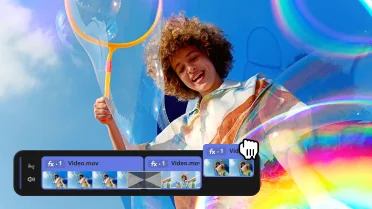
This suite is designed for users looking for an all-in-one multimedia toolkit that supports numerous file formats and offers a wide selection of effects. Pricing information was not available from the provided source.
Price $14.96 • movavi.com
Movavi Unlimited 2026 Review
Movavi Unlimited 2026 offers a subscription that includes access to all Movavi software programs and effects. It supports video and photo editing, file conversion, and screen capturing, featuring AI-powered automatic subtitles and a variety of ready-made templates.
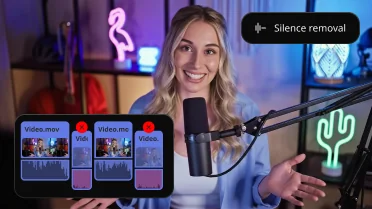
This package is tailored for users seeking a complete creative suite, with more than 10,000 effects and 1,500 music tracks included. Pricing details were not provided in the source.
Price $75.98 • movavi.com
Movavi Software Pros & Cons
Movavi offers an intuitive and easy-to-learn interface that caters well to casual users and beginners. It supports over 180 media formats and combines video editing with screen recording and photo editing tools, making it a versatile option for a wide range of multimedia tasks.
However, its subscription model may be confusing for some users, and it lacks some advanced editing features that professional editors might require. Additionally, there have been occasional reports of slow customer support response times, which could impact user experience.
- • Easy to learn and intuitive interface
- • Supports over 180 media formats
- • Includes screen recording and photo editing tools
- • Regular updates and feature improvements
- • Subscription model can be confusing
- • Limited advanced editing features for professionals
What Users Say About Movavi Software
Movavi is praised for its intuitive interface and extensive features, making it a popular pick among beginners and casual video creators. Users appreciate its fast rendering speeds, straightforward process for adding effects and transitions, and reliable performance across different devices.
Feedback on customer support highlights responsiveness, with many users noting timely replies. Experiences with the subscription process differ, reflecting some challenges related to payment and refund procedures. Overall, Movavi is recognized as a practical and accessible video editing tool that balances ease of use with a comprehensive feature set.
Movavi Software Warranty Terms
Movavi provides warranty protection against software defects and operational issues throughout the active license period. Warranty conditions vary depending on the specific product and licensing agreement.
The warranty does not apply to damage caused by the user, compatibility issues with unsupported hardware or software, or problems resulting from unauthorized software modifications. For full details, please refer to the End User License Agreement (EULA).
Movavi Refund and Return Policy
Customers have 30 days from the purchase date to request a refund. There are no restocking or return fees when the return meets the policy requirements.
Refunds are available if the software remains unused or if technical issues cannot be resolved through customer support. Proof of purchase is necessary to process returns. Downloaded or activated digital products may have specific refund limitations. Subscription fees are typically non-refundable after activation.
How Movavi Software Delivery Works
Movavi software and licenses are delivered digitally worldwide, ensuring instant access right after purchase. All products are distributed through official online channels as digital downloads, so physical shipping does not apply.
How to Reach Movavi Support
Movavi customer support can be reached through the Movavi Help Center, which offers both email and live chat options for assistance. Phone support is also available, though only during specific hours and in certain regions.
- Email: [email protected]
- Contact Number: +1-855-522-0335
In addition, Movavi provides helpful resources, including a knowledge base, tutorials, and community forums where users can find answers and guidance for common issues.
Where to buy Movavi?
When considering where to purchase Movavi products, the official website offers the most reliable and comprehensive source, providing access to the full range of software with transparent policies and dedicated customer support. Users buying through movavi.com benefit from secure transactions, straightforward account management, and consistent software updates. While third-party marketplaces might offer alternative purchase options, their reliability and support can vary. Movavi's presence is primarily online, with no widespread offline retail availability, so official digital channels remain the best path for authorized and authentic purchases.
Conclusion of Movavi reviews & ratings
Movavi stands out in the video editing world for its blend of quality, ease of use, and reliable performance. Users appreciate its broad selection of tools and effects that cater well to beginners and casual creators. Its friendly interface and helpful AI features make complex editing tasks more accessible. Whether you're converting files or capturing your screen, Movavi delivers a versatile experience, and you can learn more directly at movavi.com.
If you're curious to explore what Movavi has to offer, visiting the official website will give you a clear sense of its capabilities. Feel free to return to this Movavi review anytime for a refresher or to dive deeper into its features. It's a solid option to consider for straightforward and enjoyable video editing.
Editorial notes reflect aggregated buyer feedback and our independent editorial review of publicly available information. They are for informational purposes only and do not constitute endorsements. Purchases are made at your own discretion, and we are not responsible for transactions or outcomes related to this store. Experiences may vary. This content is assisted by AI and reviewed by our editorial team. While we strive for accuracy, AI-supported information may not always be 100% precise, so please verify any critical details.

